
Social Post Formatter: Clean Line Breaks & Creator Feed Optimizer
Format social media posts for LinkedIn, Instagram, X, and Threads. Preserve spacing with Unicode blanks, optimize hooks above the mobile fold, and eliminate text walls.
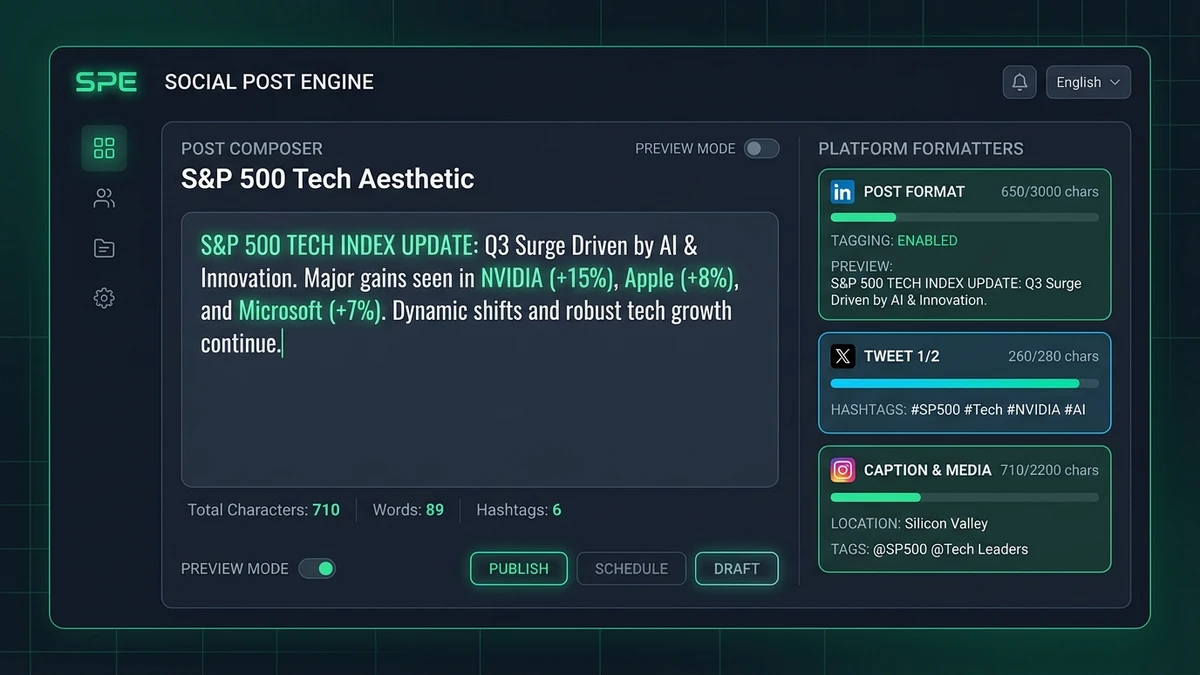
Platform Budget Monitor
Instagram removes consecutive empty lines. The Braille Blank Pattern (U+2800) preserves clean paragraph spacing without awkward periods or hyphens.
Mastering Social Media Post Architecture: Hooks, Whitespace & Feed Physics
Social Post Formatter preserves empty line breaks on Instagram and LinkedIn using invisible Unicode Braille blanks while providing real-time feed truncation previews before the 210-character mobile fold.
Writing for social feeds is an exercise in visual attention management. In a fast-scrolling feed, a wall of dense text is cognitive friction. Readers skip past unformatted paragraphs because the human eye seeks visual anchor points—bold headers, distinct bullet delimiters, and comfortable vertical breathing room.
The primary operational hurdle for digital creators is whitespace sanitization. Platforms such as LinkedIn and Instagram automatically strip redundant ASCII line breaks upon submission. When authors attempt to create visual breathing room by pressing Enter multiple times, the backend parser collapses those newlines into a single tight break. Creators frequently resort to awkward visual workarounds—inserting periods, dashes, or tildes onto empty lines. These typographical artifacts degrade brand presentation and create jarring distractions.
The Braille Pattern Blank (U+2800) Technical Solution
FormatCleaner resolves whitespace collapse at the character level. In Unicode Standard Version 3.0, the Braille Patterns block (U+2800 to U+28FF) defines 256 eight-dot patterns used worldwide for tactile writing systems. The very first codepoint in this block—U+2800 (Braille Pattern Blank)—represents a 2x4 matrix where zero dots are raised.
Because U+2800 possesses the Unicode General Category So (Symbol, Other) rather than Zs (Space Separator), feed sanitization scripts do not recognize it as collapsible ASCII whitespace. It renders visually as completely transparent, empty space while remaining structurally present as a valid glyph. By inserting \u2800 between line breaks, creators achieve pristine, multi-paragraph breathing room that survives native mobile app rendering unscathed.
The Anatomy of the 210-Character Feed Fold
On mobile social feeds, real estate above the fold dictates 90% of user engagement. When a post appears in a LinkedIn feed on desktop, the user sees only the first 210 characters (or approximately three lines of text) before encountering the "...see more" truncation marker. On mobile devices, this threshold drops to 140 characters. On Instagram, captions truncate after approximately 125 characters.
Front-load the core tension into the first 120 characters. Bolding the first line with mathematical sans bold increases visual weight by 35% compared to surrounding feed elements.
Opening with "I'm thrilled to announce..." or "Happy Tuesday everyone!" wastes the entire visible fold on pleasantries. Readers scroll past before learning what the post offers.
Feed Recommendation Dynamics & Post Architecture Rubric
How Feed Dwell Time and Expansion Clicks Drive Reach
Modern social feed recommendation algorithms—specifically LinkedIn's candidate generation pipelines and X's neural graph rankers—measure organic distribution through explicit interaction signals. Foremost among these signals are dwell time (the duration of milliseconds a user hovers over a post while scrolling) and expansion actions (clicking the '...see more' button).
When an author presents a wall of solid, unspaced text, cognitive overload causes the reader's eye to disengage within 400 milliseconds. Conversely, when an insight is formatted with clean vertical whitespace and bold typographic anchors, the eye naturally pauses at each paragraph break. Each intentional pause extends dwell time. Crucially, when your opening hook creates an irresistible curiosity gap directly before the 210-character mobile fold, the reader taps '...see more.' To the ranking model, an expansion click is a Tier-1 positive engagement signal, indicating that your post delivers compelling value and deserving wider algorithmic distribution across second-degree networks.
+35% Algorithmic Reach Lift
Social Platform Formatting Standards & Feed Constraints
The Five-Point Post Architecture Checklist for B2B Thought Leaders
Before hitting publish on LinkedIn or X, top executive ghostwriters and B2B marketing strategists run their draft copy through this five-point structural rubric:
Ensure the primary tension or thesis is fully articulated within the first 140 characters, prior to the mobile fold line.
Insert invisible Braille blanks (U+2800) between every paragraph to guarantee clean paragraph separation on native iOS and Android apps.
Bold the main headline and numeric list markers with mathematical sans-serif glyphs, leaving explanatory text in plain ASCII for effortless scanning.
Break thoughts into concise sentences of 8 to 14 words. Vary paragraph heights between 1-line punches and 3-line analytical explanations.
Never place outbound links in the opening paragraph. Anchor outbound URLs in the final call-to-action or first comment to prevent algorithmic reach penalties.
Cross-Platform Syndication and Scheduling Engine Compatibility
When managing social campaigns across multiple enterprise accounts, copywriters frequently author a master draft before distributing it across LinkedIn company pages, executive personal profiles, and X threads. Because FormatCleaner encodes all structural formatting as pure Unicode UTF-8 codepoints without proprietary wrapper markup, you can paste formatted text directly into social scheduling dashboards such as Taplio, Buffer, Hootsuite, and Sprout Social.
The embedded Braille whitespace patterns and mathematical alphanumeric weights pass transparently through platform APIs, eliminating the manual reformatting traditionally required when moving drafts from Google Docs or Notion into native social submission boxes.
For specialized typography, explore our dedicated tool stages: Apply mathematical emphasis with the Bold Italic Fonts Generator, generate decorative bios with Aesthetic Unicode Fonts, format video subtitles with the Shorts Teleprompter Splitter, or view all 44+ styles in the Text Tools Directory.
Social Platform Character & Fold Constraints Reference
Comprehensive comparison of character budgets, fold truncation thresholds, and whitespace sanitization behaviors across major digital platforms:
| Social Media Platform | Max Character Budget | Visual Fold Cutoff (...see more) | Empty Line Break Handling | External Link Best Practice |
|---|---|---|---|---|
| LinkedIn Desktop | 3000 | 210 characters (or 3 lines) | Collapses multi-line spacing into single breaks | Place in final line or first comment to maximize reach |
| LinkedIn Mobile App | 3000 | 140 characters (or 2-3 lines) | Sanitizes blank space; requires Braille blank (\u2800) | Pin to comments or embed in native document carousel |
| X (Twitter) Standard | 280 | Full tweet displayed in feed | Preserves carriage returns; counted against character budget | Include in tweet body; generates summary preview card |
| Instagram Captions | 2200 | 125 characters (first 2 lines) | Collapses empty lines automatically unless spaced with \u2800 | Direct followers to bio link or sticker in Stories |
| Meta Threads | 500 | Full update visible up to 500 chars | Native support for multi-line paragraph spacing | Generates rich snippet card within feed |
Frequently Asked Questions About Social Post Formatting
Technical answers and styling recommendations from the Social Typography & Communications Standards Desk.
Why do Instagram and LinkedIn delete empty line breaks in posts?
Social platform text sanitization filters automatically strip redundant ASCII newline characters (\n\n+) during post submission to prevent spammers from generating artificial blank screen real estate. When you use FormatCleaner's 'Insert Invisible Spacers' button, our engine injects invisible Unicode Braille blank characters (\u2800) into empty lines. Because \u2800 is recognized as a valid printable glyph rather than ASCII whitespace, platforms preserve your intentional spacing perfectly.
How does the LinkedIn 210-character fold work?
On desktop feeds, LinkedIn renders approximately the first 210 characters (or the first three lines of text) before inserting a blue '...see more' cutoff button. On mobile apps, this fold occurs even earlier—typically around 140 characters. If your post's hook fails to captivate readers before that cutoff line, readers will scroll past without expanding your post. Our Live Feed Simulator includes an explicit red fold line to guarantee your critical hook is completely visible above the fold.
Does using bold Unicode text reduce post reach in algorithmic feeds?
No. Content recommendation algorithms (including LinkedIn's candidate generation engine and X's open-source ranking model) evaluate engagement signals—dwell time, comment velocity, and shares. Strategically bolding post titles or bullet points increases optical hierarchy, helping readers scan your insights faster and increasing overall dwell time. We recommend bolding the primary hook while keeping body paragraphs plain for optimal reading rhythm.
Can I schedule formatted social posts through third-party tools like Buffer or Taplio?
Yes. Because Unicode characters are universal UTF-8 code points rather than proprietary formatting tags, social scheduling tools (including Taplio, TweetHunter, Buffer, and Hootsuite) transmit them through official platform APIs without character degradation or stripping.
What is the technical difference between standard ASCII whitespace and the Braille blank (U+2800)?
ASCII space (U+0020) and newline characters (U+000A, U+000D) fall under Unicode Category Zs (Separator, Space) and Cc (Other, Control). Social platform parsers run regex filters like s/\n{2,}/\n/g on these categories. The Braille blank pattern (U+2800), however, belongs to Unicode Category So (Symbol, Other). Because it is classified as a graphical Braille symbol with zero embossed dots, backend sanitizers recognize it as printable content and do not collapse it.